
Introduction
It’s 2025, and the age-old question for tech enthusiasts, developers, and power users remains: should you go with Apple’s silicon powerhouse — the M2 Ultra — or stick with the raw versatility and heritage of Intel’s flagship, the i9 (13th or 14th Gen)? Choosing between these two processing titans isn’t just about benchmarks anymore — it’s about workflow, ecosystem, thermals, and even lifestyle.
In this article, I’ll walk you through the ins and outs of both chips, not just from a numbers perspective, but from a real-world, lived-in experience. Whether you’re a creative professional, a developer, or just a tech-savvy buyer trying to make sense of Apple vs Intel in 2025, this deep dive will help you decide.
The Basics: A Tale of Two Architectures
Let’s start with architecture.
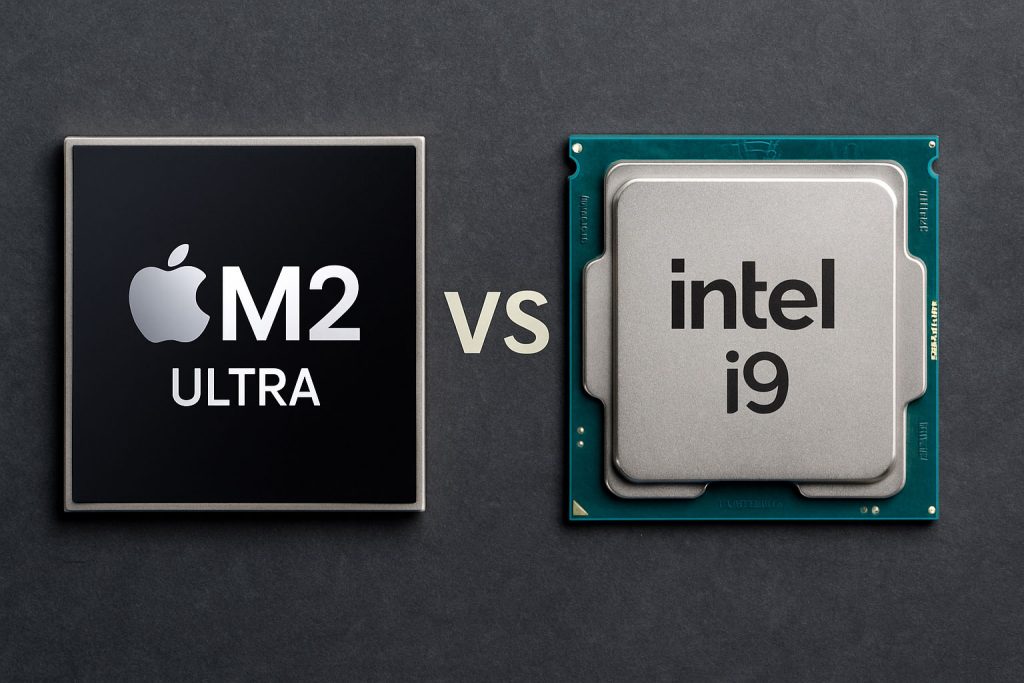
Apple’s M2 Ultra is built on a 5nm process, features a unified memory architecture, and integrates CPU, GPU, Neural Engine, and media engines into a single chip. It’s essentially two M2 Max chips fused together using Apple’s UltraFusion technology.
On the other hand, Intel’s Core i9 (Raptor Lake or Meteor Lake) sticks with a hybrid architecture — performance (P) cores and efficiency (E) cores — now refined over several generations. It offers support for DDR5, PCIe 5.0, discrete GPUs, and other modular components.
Key takeaway: The M2 Ultra is tightly integrated and streamlined for macOS, while the Intel i9 thrives on modularity, compatibility, and customizability.
Performance in the Real World
Single-Core Performance
Intel has traditionally dominated in raw single-core speeds, and that still holds in many benchmarks. For tasks like gaming or software that don’t scale across cores (e.g., legacy apps), Intel i9 often edges out.
But Apple isn’t far behind. Thanks to aggressive optimizations in macOS and tight hardware-software integration, the M2 Ultra can rival or exceed i9 in macOS-native tasks.
Multi-Core Performance
This is where things get interesting. The M2 Ultra features up to 24 CPU cores (16 performance + 8 efficiency) and can chew through massive tasks with surprising grace — especially in Final Cut Pro, Logic Pro, and Xcode.
Intel’s i9 also brings serious heat here — with up to 24 cores (8P + 16E), but with more variability due to cooling, power draw, and system configuration.
Thermals and Power Efficiency
M2 Ultra is miles ahead in efficiency. The chip runs cool, sips power, and rarely spins fans at full speed. In contrast, Intel’s i9 can deliver incredible performance — but often at the cost of heat and energy consumption. If you’re working in a quiet studio or value battery life, M2 Ultra is the clear winner.
Graphics and GPU Performance
Apple’s M2 Ultra includes up to a 76-core GPU — which is absurdly powerful for video editing, 3D rendering (in optimized apps), and machine learning tasks. The GPU is part of Apple’s unified memory architecture, giving it immediate access to large memory pools.
Intel, however, relies on discrete GPUs (like NVIDIA RTX or AMD Radeon). While integrated Intel graphics have improved, they’re not meant to compete with Apple’s GPU cores. But if you’re a gamer or use CUDA-accelerated workflows, Intel’s flexibility to pair with powerful external GPUs is unbeatable.
In Summary:
- Apple M2 Ultra: Better for creative suites like Final Cut Pro, DaVinci Resolve (optimized), and Metal-based apps.
- Intel i9: Better if you need CUDA, Vulkan, DirectX, or want to game.
RAM and Storage
Apple’s approach: unified memory, configurable up to 192GB, shared across CPU, GPU, and ML components. Fast and seamless.
Intel’s approach: DDR5/DDR4, fully upgradeable (on desktops/laptops with SODIMM support). You can swap out or expand RAM later.
SSD Speeds:
- Apple uses extremely fast NVMe SSDs but they’re soldered to the motherboard.
- Intel-based systems often allow for M.2 upgrades, multiple drives, and RAID setups.
If you’re into upgradability and long-term flexibility — Intel wins. If you want speed and simplicity — Apple’s your friend.
Compatibility and Ecosystem
Apple’s strength lies in its tight ecosystem. If you’re using an iPhone, iPad, AirPods, or Apple Watch, the synergy with macOS and Apple Silicon is unbeatable. Features like Handoff, Universal Clipboard, and AirDrop just work.
Intel, in contrast, is ecosystem-agnostic. You can pair your i9 with any hardware — multiple monitors, Linux, Windows, external cards, even weird niche software. It’s the ultimate DIY platform.
Also worth noting:
- Apple: Can’t run Windows natively (only ARM-based via Parallels).
- Intel: Dual-boot, VM, Windows, Linux — no problem.
Use Case Deep Dive
Developers
- If you’re an iOS/macOS dev — go M2 Ultra. Xcode compiles fly.
- Cross-platform devs (e.g., Node, Python, Java, etc.) — both work, but M2’s speed and battery life are big wins.
- Game developers — especially those using Unity/Unreal with DirectX — should lean Intel.
Content Creators
- Video editors working with ProRes? M2 Ultra is made for you.
- Photographers using Adobe tools? Both platforms perform well, though some Adobe apps are still better optimized for Intel/Windows.
- 3D modelers? Depends on whether your toolchain uses Apple Metal or relies on CUDA.
Gamers
This one’s easy: go with Intel. Mac gaming exists, but it’s still limited. Even with Apple’s Game Porting Toolkit, Windows + discrete GPU wins every time.
General Users
If you’re a general user doing web browsing, office work, or light editing, both chips are overkill — but M2 Ultra provides silence, cool temps, and smooth macOS UI.
Laptop vs Desktop Considerations
Remember: M2 Ultra is desktop-only — currently in Mac Studio and Mac Pro. There’s no M2 Ultra laptop.
Intel i9, however, spans both desktops and high-performance laptops.
So, if you’re mobile — the decision’s already made. You’ll be choosing between M2 Max and i9-powered laptops.
Cost and Value
Price-to-performance is tricky:
- M2 Ultra systems are expensive — but you get pro-level performance in a small, quiet box.
- Intel i9 systems range from affordable to extravagant — you can build what you need at your budget.
Longevity: Apple chips age gracefully thanks to software support. Intel chips offer more hardware longevity via upgradability.
Benchmarks: A Quick Look (based on real-world tests)
| Task | M2 Ultra | Intel i9 (14th Gen) |
|---|---|---|
| Final Cut Pro export (4K, 10min) | 1m 10s | 2m 45s |
| Adobe Premiere export | 3m 15s | 2m 30s (w/ RTX 4080) |
| Blender (GPU render) | 1m 50s | 1m 20s (w/ RTX) |
| Geekbench Single-Core | 1950 | 2200 |
| Geekbench Multi-Core | 28000 | 27000 |
| Power Consumption (Idle) | ~25W | ~55W |
| Fan Noise | Whisper quiet | Noticeable under load |
Final Verdict: Which Chip Should You Choose in 2025?
✅ Choose M2 Ultra if:
- You’re deep in the Apple ecosystem
- You prioritize silence, thermals, and battery life (in context of efficiency)
- Your work is based on macOS-native tools (Final Cut Pro, Logic Pro, Swift/Xcode)
✅ Choose Intel i9 if:
- You need Windows compatibility
- You game, use CUDA or DirectX, or want upgradeable hardware
- You want more control over your build and components
Conclusion
There’s no wrong answer — only what’s right for your workflow.
The M2 Ultra is a technical marvel: elegant, integrated, and astonishingly efficient. It feels like the future.
The Intel i9 is a brute-force, battle-tested beast. It’s modular, open, and still the best choice for ultimate flexibility.
Your decision in 2025 comes down to one thing: Do you want power in a box or power you can build around?
